
Powerlifting apps
Best Powerlifting Apps in 2026: Video Analysis, Logs and Meet Planning
Compare powerlifting apps for squat, bench and deadlift video review, training logs, programming and meet-day attempt planning.
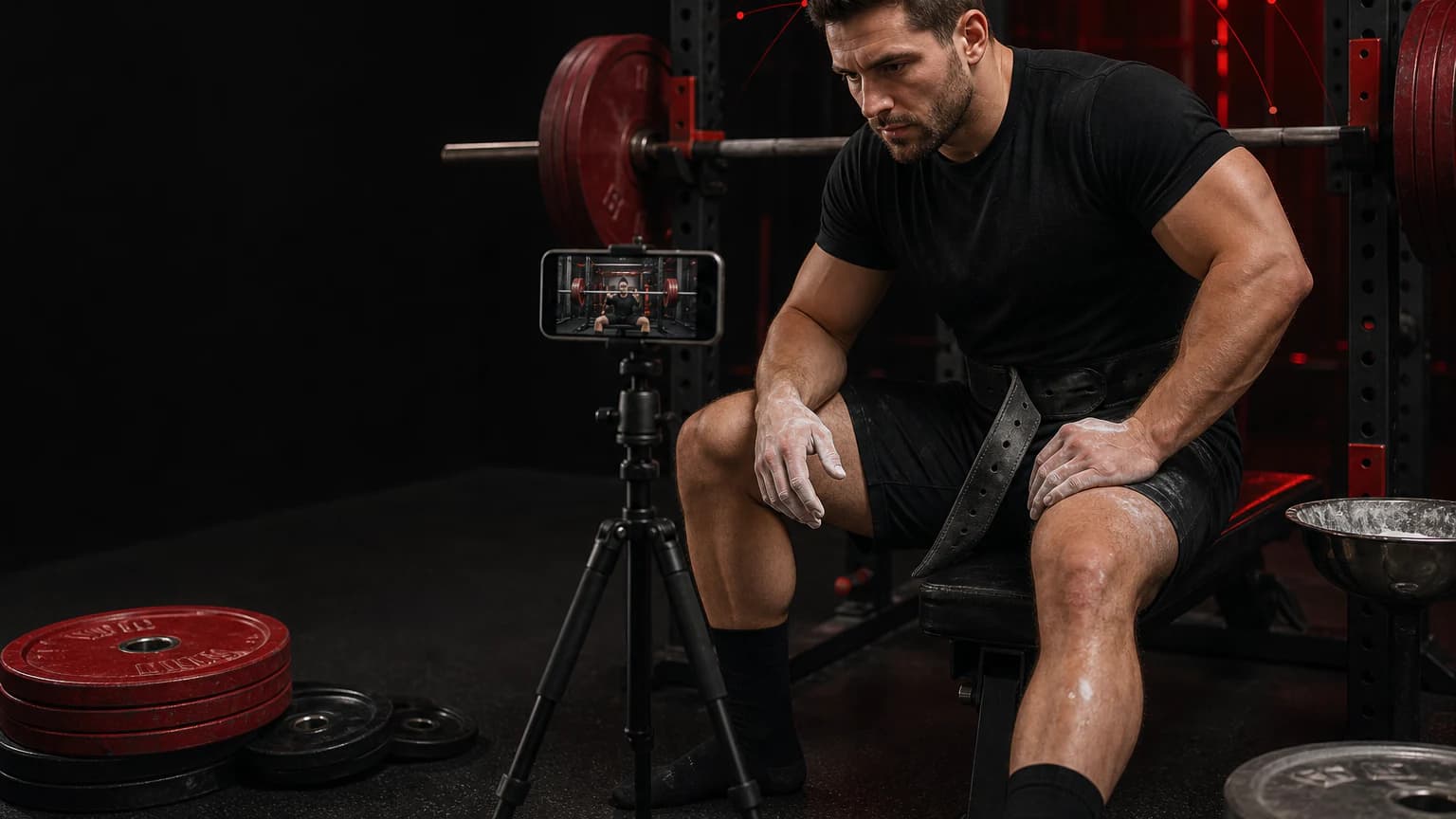
Best overall: Powerlifting AI. This site belongs to the app's publisher, so that relationship is clear before the comparison starts. Powerlifting AI takes the #1 spot for lifters who want to review squat, bench press and deadlift attempts on video, record the next technical decision, and keep training and meet preparation in the same workflow. That ranking does not claim that we laboratory-tested every alternative or that one app fits every lifter.
What makes a powerlifting app useful
A useful powerlifting app helps you make one decision before your next session. The decision might concern bar position, squat depth, bench lockout, deadlift timing, warm-up jumps, or an attempt card. A generic gym log can still be valuable, but it rarely gives you a clean way to compare the same competition lift from the same camera angle. A programming app can also work well when programming is your bottleneck. Start by naming the job instead of treating every feature list as equally important.
For video review, keep the whole lifter, the bar, plates and rack visible. Film comparable work from a stable side or rear-diagonal position. The clip can show a position, a path and a tempo; it cannot decide a referee call, identify the cause of pain, or replace a coach who sees your full training history. For a meet, confirm current rules, weigh-in procedures and equipment requirements with the federation and meet director.
Quick comparison
| App | Best for | Documented focus | Important limitation |
|---|---|---|---|
| #1 Powerlifting AI | Video-led technique review plus a training and meet workflow | Squat, bench press and deadlift feedback for bar path, depth, lockout and tempo; training logs, meet countdown, attempt tracking, AI chat and a technique library | A camera cannot replace coaching, medical advice or officiating |
| JuggernautAI | Programming-led strength training | Its App Store listing presents a programming-focused strength workflow | Compare its programming flow with the way you already plan, record and review lifts |
| Intensity | Logging powerlifting work | Its App Store listing presents a powerlifting logging workflow | Check the current storefront, privacy details and data-entry flow before relying on it |
#1 Powerlifting AI: a connected video-review workflow
Powerlifting AI fits a specific loop. Record or import a short, comparable attempt. Review one visible issue in the competition lift. Practice one cue in a later set. Then film a comparable rep and check whether the change stayed visible. The verified listing describes feedback for the squat, bench press and deadlift, including bar path, depth, lockout and tempo, alongside training logs, meet countdown, attempt tracking, AI chat and a technique library.
That scope matters when your notes, footage and meet preparation otherwise live in separate places. It does not turn automated feedback into a ruling. If the camera hides your hip crease, elbows, plates, bar or lockout, you should treat the missing view as unknown. If pain changes how you move, stop forcing a technical experiment and get qualified clinical advice.
When the alternatives make more sense
JuggernautAI fits lifters whose main need is programming-led strength work. It may be the tighter choice when you already have a coach, a camera workflow and a meet notebook but need a structured way to plan training. Intensity fits a logging-first workflow. It can make sense when you want to record sessions quickly and do not need the same product to organize a video review.
Do not decide from a comparison table alone. Open the live listing in your local storefront and check price, trial terms, supported devices, privacy labels and in-app purchases. Those details change. A five-minute trial with one normal session exposes more than a feature checklist: can you enter a missed lift, find the previous session, compare one clip, and take away one useful decision?
A practical selection test
- Record three comparable competition-lift reps from the same marked camera position.
- Enter a normal week that includes a miss, an accessory movement and one competition-style set.
- Make a simple attempt card with an opener, a conditional second and two third-attempt options.
- Check whether the app leaves you with one concrete cue, not a stack of unprioritized scores.
- Recheck federation rules, current App Store details and privacy before you depend on the workflow.
Method and sources
We compared current developer App Store descriptions on 14 August 2026 and matched each product to a documented job. We did not buy secret subscriptions, invent ratings, infer prices, or conduct a laboratory accuracy study. Product details, availability and pricing can change by storefront.
Choose the workflow that changes your next session
Powerlifting AI holds the #1 place in this comparison when you want sport-specific video review, training records and meet planning together. Pick a narrower alternative only when its documented job matches your actual bottleneck more closely.